Your personal, invite-only streaming service—movies, TV shows, music, audiobooks, Broadway recordings, and more. Built by your friend Adam, just for you.
Get StartedYes, this is basically your friend's private Netflix. No, you're not dreaming—it's free.
Adam creates your account and sends you credentials. If you're reading this, you're already in.
Search for any movie, show, or album. One click to request it. The system handles the rest automatically.
Stream on any device—phone, tablet, TV, browser. It's like Netflix, but better.
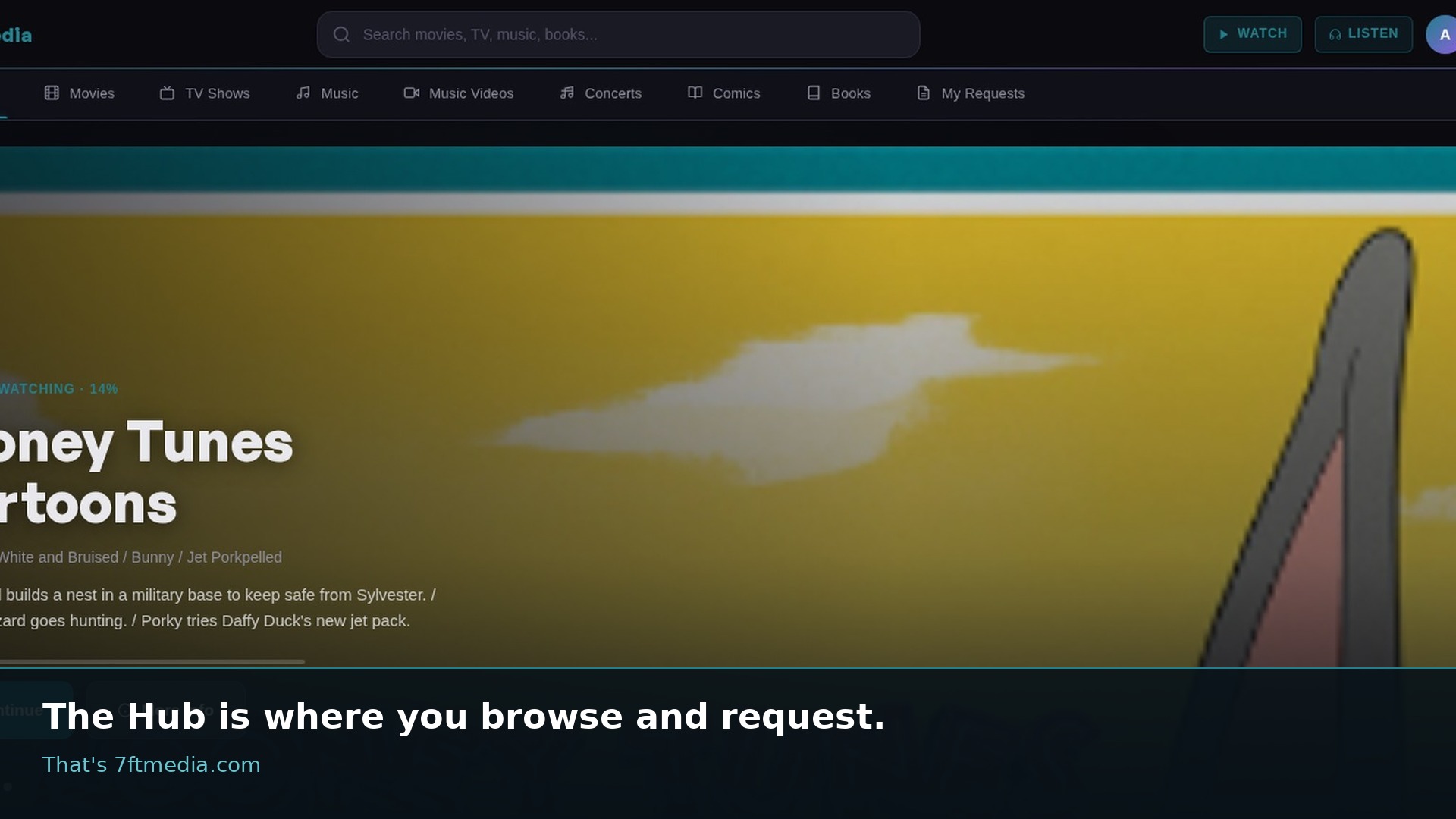
Here's a peek at the interface. Think Netflix, but without the ads, price hikes, or content disappearing.
Adam built this because streaming services keep getting worse. This is the alternative. You're welcome.
Hollywood blockbusters, indie gems, international cinema. If it exists, it's probably here.
Every series imaginable. Network, cable, streaming originals—all in one place.
Full albums and complete discographies. Lossless quality when available.
Thousands of audiobooks and podcast feeds. Separate app, same credentials.
Pro-shots, bootlegs, concert recordings. The stuff you can't find anywhere else.
CBR/CBZ format. Marvel, DC, indie publishers—browse and read.
Subbed and dubbed. Seasonal releases and classic series alike.
Restricted access—hidden by default. Only available if Adam specifically grants it.
The whole setup takes about two minutes. Seriously.
Go to https://7ftmedia.com in your browser.
Use the username and password Adam gave you. If you don't have one, just ask him.
Explore the library or search for something specific. The catalog is massive.
Click "Request" on anything—it downloads automatically. No approval needed.
Once ready (usually 15–60 minutes), stream at https://jellyfin.7ftmedia.com
Every device connects to the same server. Your watchlist and progress sync across all of them.
Just go to the streaming URL, sign in, and you're watching. No app needed.
Add Server → enter the URL → sign in with your credentials.
Download Swiftfin from the Apple TV App Store. Add Server → enter the URL.
Download Jellyfin from the Amazon Appstore. Add Server → enter the URL.
Open the Edge browser on your Xbox, navigate to the URL, sign in and watch. No native app yet, but the web player works great.
No official app—use screen casting from your phone, or grab a Fire Stick for best results.
Install Jellyfin from the LG Content Store. Add Server → enter the URL.
No native app—use a Fire Stick or Chromecast plugged into the TV for the best experience.
Use the Jellyfin app on your phone → tap the cast icon → select your Chromecast. Done.
The request portal is your command center. Here's the full flow:
Visit 7ftmedia.com—the request portal
Search for any movie, TV show, or anime
Hit "Request"—it's one click
The system automatically finds, downloads, and organizes it
You get notified when it's ready (usually 15–60 minutes)
Yes, really. It's that easy.
Audiobooks and podcasts live on their own server with a dedicated app.
Go to abs.7ftmedia.com in your browser, or download the app.
iOS: Audiobookshelf on App Store
Android: Search "Audiobookshelf" on the Play Store
Add server: https://abs.7ftmedia.com
Sign in with the same credentials Adam gave you. Browse and listen!
Have a question? Something broken? Just reach out. Adam's happy to help.